AI Product Photography: Pro Shots for Online Stores (2026)
By admin · 10/22/2026
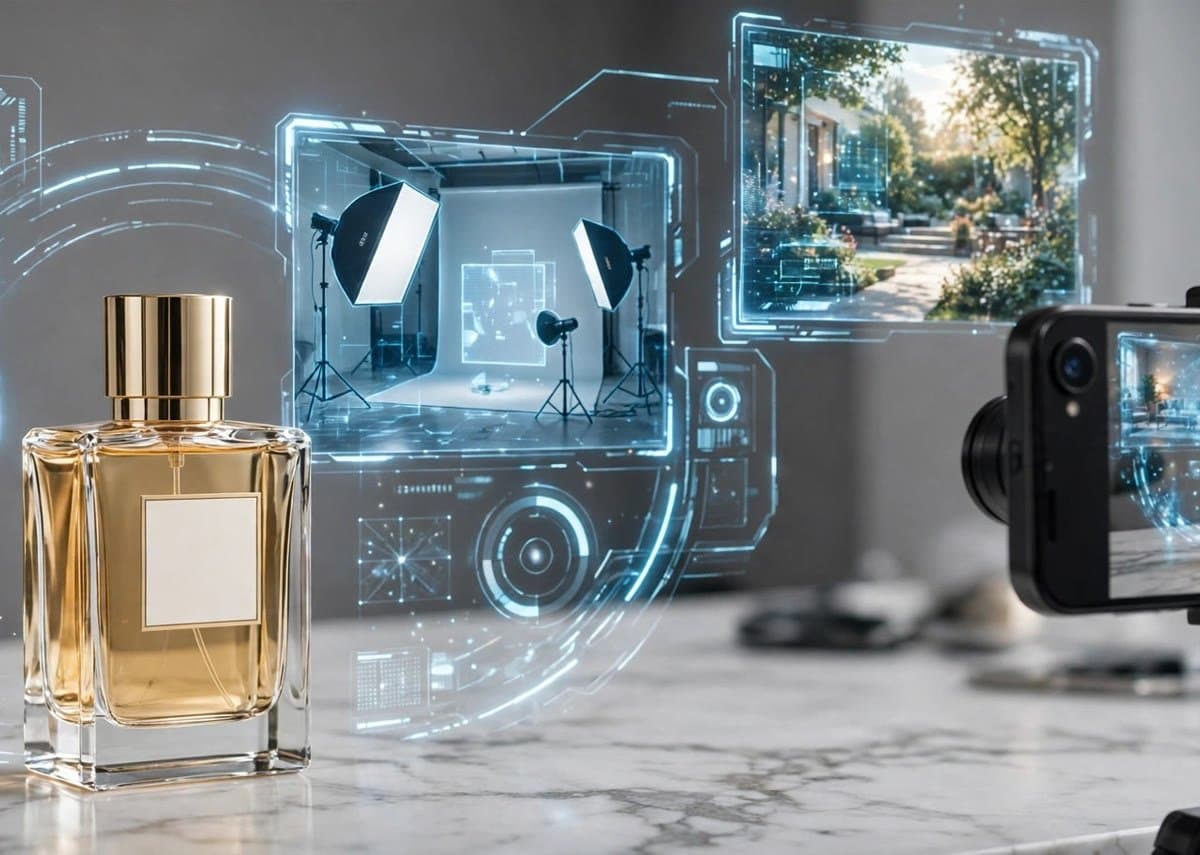
Here's a small, unglamorous truth about online selling in Pakistan: the product with the better photo wins. Not always the better product. The better photo. Walk through any Daraz listing or scroll an Instagram store in Jhelum or Lahore, and you'll see it in seconds. One seller's shoes look like something from a billboard. Another seller's shoes — same shoes, probably — look like they were photographed on a bedroom floor at midnight. Guess who gets the order. Until recently, good product photos meant hiring a photographer, renting lights, finding a studio. A proper shoot for 20 products could easily eat up Rs 30,000 to Rs 50,000. For a small seller just starting on Daraz, TikTok Shop, or their own WhatsApp store, that's a lot of money before a single sale. That's exactly why AI product photography has blown up in 2026. The idea is simple: you take a basic photo of your product — honestly, even a phone photo on your kitchen table works — and AI rebuilds the scene around it. Clean white background, lifestyle shot in a cozy room, a model holding your mug, dramatic lighting for a perfume bottle. The product stays real. Everything around it becomes professional. And it works shockingly well now. A year or two ago, AI-generated backgrounds had that plasticky, fake look. Customers could tell. The 2026 tools are a different story — shadows sit correctly, reflections look right, the fabric of a shirt drapes naturally. It's genuinely hard to spot the difference. Why Pakistani Sellers Are Switching Fast Three reasons, really. Cost is the obvious one. A single product shoot with a decent photographer in Pakistan costs anywhere from Rs 1,500 to Rs 5,000 per product. AI tools handle the same product for a few hundred rupees — some for free at basic levels. Multiply that across a 50-product catalog and the math isn't close. Speed is the second. A photographer needs days. A courier pickup, a shoot day, an editing day. AI gives you ten variations of one product in ten minutes. When TikTok Shop drops a trending sound and you need a fresh banner tonight, that's the difference between riding the trend and reading about it tomorrow. The third is the one nobody talks about: experimentation. Real shoots lock you in. Once you've paid for the shoot, those are your photos — like them or not. AI lets you test. White background or marble? Daytime kitchen or moody evening? You can A/B test product images the way marketers test ad headlines. Most sellers who try this see click-through rates jump 20 to 40 percent on the winning shots. That's not hype; it's what better packaging does to human behavior. How to Do It: A Practical Workflow You don't need to be a designer. You don't need Photoshop. Here's the workflow that actually works for most Pakistani sellers right now: Step 1 — Shoot the raw photo properly. This matters more than the tool you pick. Put the product near a window for natural light (morning light is the flattest and most forgiving). Clean the background — a plain bedsheet works fine as a backdrop. Take the photo straight-on, sharp, filling most of the frame. Blurry input is the one thing AI can't fully rescue. Step 2 — Pick your tool. You've got options across every budget. There are dedicated AI product photography apps built exactly for this — you upload the product photo and pick from ready-made scene templates: studio, lifestyle, outdoor, flat-lay. Some are free for a handful of generations a month, paid plans start around $10 to $15 monthly, which is still cheaper than one real shoot. General AI image editors with background-replacement features work too, and if you're already a Canva user, its background tools got seriously good this year. Step 3 — Describe the scene you want. The good tools let you write a short prompt. Be specific. "Perfume bottle on a marble counter next to a soft window light, morning, minimal" beats "nice background." Mention materials, lighting, mood. The more concrete, the more realistic the result. Step 4 — Keep the product untouched. This is the rule that separates amateurs from pros. Most tools have a setting or a mask option to preserve the original product exactly. Use it. Your shoe's stitching, your cream jar's label, your fabric's pattern — that must be pixel-true to what the customer receives. AI can invent a background. It must never invent your product. Step 5 — Review with suspicious eyes. Zoom in. Check the edges where the product meets the background. Check shadows — do they fall the right way? Check text on packaging, because AI still fumbles small text occasionally. Fix or regenerate anything that looks off. Then show the image to someone else and ask, "Does anything look weird?" Fresh eyes catch what yours miss. Mistakes That Make AI Photos Look Fake Almost every bad AI product photo I've seen fails in the same handful of ways: Physics nobody believes. A perfume bottle floating over a shadow that doesn't exist underneath it. A handbag with a shadow pointing the wrong direction from the light. Customers don't analyze these consciously — they just feel something's off, and "off" kills trust. Over-stylized scenes. That hyper-luxury marble-and-gold temple background might look amazing on your screen, but if you're selling a Rs 800 wallet, the mismatch screams fake. Match the scene to your price point. Ordinary, believable scenes convert better than fantasy ones. Changed product details. I said it above, but it bears repeating because this one costs real money in returns. If the AI smooths out a texture, changes a color shade, or adds a pattern your product doesn't have, customers will return the item when it arrives looking different. Daraz and TikTok Shop returns eat your margin and your rating. Always preserve the product. One image for everything. AI makes it so cheap to create shots that there's no excuse for a gallery of one. Your listing should show: the product on clean background, a lifestyle scene, a close-up of the important detail, and ideally a size reference. Sellers who fill all image slots consistently outperform those with one lonely photo. Is This Cheating Customers? Fair question, and worth answering straight. Nobody complains that a restaurant's menu photos look good, or that a clothing brand shoots in flattering light. Product photography has always been about presenting the product at its best — AI just democratized the studio. The line is simple: staging is fine, misrepresentation is not. Beautiful background around your real product? That's marketing. Changing the color, hiding a defect, or inventing features? That's deception, and it'll come back as returns and bad reviews. Stay on the right side and you'll be fine — better than fine, actually, because your competitors are already doing this. Frequently Asked Questions Do I need a professional camera for AI product photography? No. A modern phone in decent daylight produces input photos good enough for the best AI tools. The input needs to be sharp and well-lit, not professionally shot. A 3-year-old mid-range phone by a window beats an expensive camera in bad light. How much does AI product photography cost in Pakistan? Many tools have free tiers (usually 5 to 15 generations a month). Paid plans generally start at $10 to $15 per month. Compare that to Rs 1,500 to Rs 5,000 per product for a real photographer, and most sellers break even on the first week. Can Daraz or TikTok Shop detect AI photos and penalize them? No. These platforms care about image quality and accuracy, not how the photo was made. AI-generated backgrounds are completely allowed. What gets you in trouble is misleading imagery — wrong colors, wrong sizes, fake details. That rule applies to real photos too. Will customers trust AI-generated product photos? They already do, because they usually can't tell. Studies on e-commerce imagery keep showing the same thing: clean, well-lit, consistent photos increase trust and sales. The method behind the photo doesn't matter to buyers — the quality does. Can I learn this myself, or should I hire someone? Honestly, most sellers learn the basics in an afternoon. The tools are designed for non-designers. But if you're running a serious catalog — 100+ products, multiple brands — the workflow, consistency, and quality control are worth having a professional handle, because that's when small mistakes compound into real money. Start With One Product Tonight Pick your best-selling product. Take one decent photo by a window. Run it through a free AI product photography tool. Compare the result with your current listing photo, and ask yourself which one you'd click. If the answer is obvious — and it usually is — you know what to do with the rest of your catalog. And if you'd like to learn the full workflow properly — AI tools, real product photography basics, editing, and how to build an online store that actually converts — Elite Digital Hub in Jhelum teaches exactly this in its courses, hands-on and in plain language: https://elitedigitalhub.click/courses. Running a store and too busy to do it yourself? Our team can handle your product photography and store visuals for you: https://elitedigitalhub.click/services.